Single Pane Mode, Filtering & UI Improvements – Pixefy Update
v.1.0.5
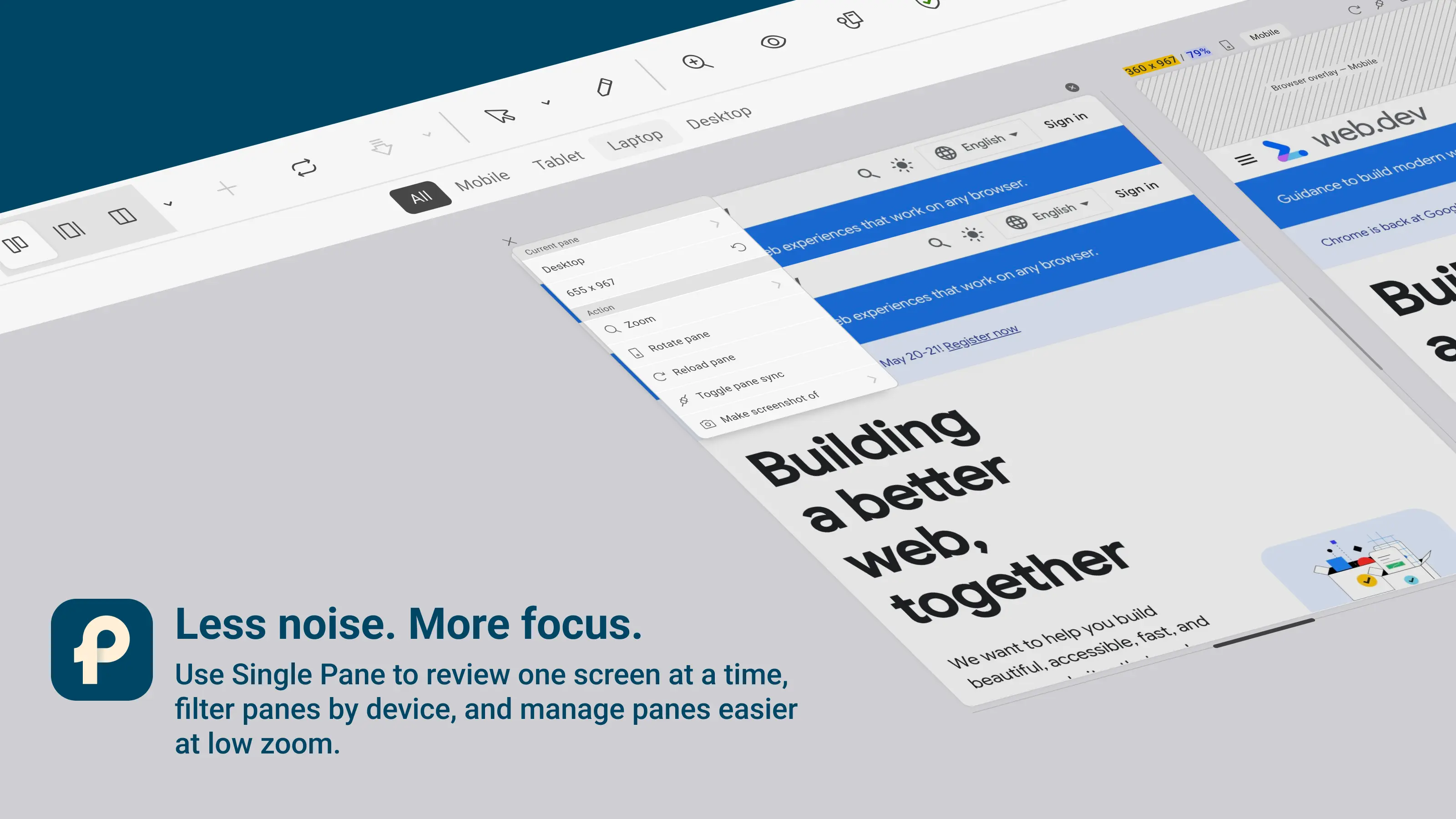
This update is all about making pane management simpler and more focused. If you’re working with many breakpoints or device presets, navigating them just got easier. With Single Pane mode, a new filtering bar, and smarter pane controls, Pixefy now gives you more clarity and control — especially when working in dense responsive setups.
🆕 New
Single Pane – All panes created in Pane View can now be browsed one pane at a time in Single Pane mode. Great for focused testing and smaller screens.
Filtering Bar – Quickly filter panes by mobile, tablet, laptop, or desktop to find what you need faster.
🔄 Improvements
View Mode Context Menu – Improved structure and usability for faster switching.
Pane Header UI – Better controls when panes are zoomed out, so you can manage panes without hunting for buttons.
🛠 Fixes
Various small bug fixes and stability improvements to keep things smooth across views and pane interactions.
Did you like this update? Share it with others!


or


Available in the

Available in the