Edge, Getting Started & Smarter Projects
v1.2.19
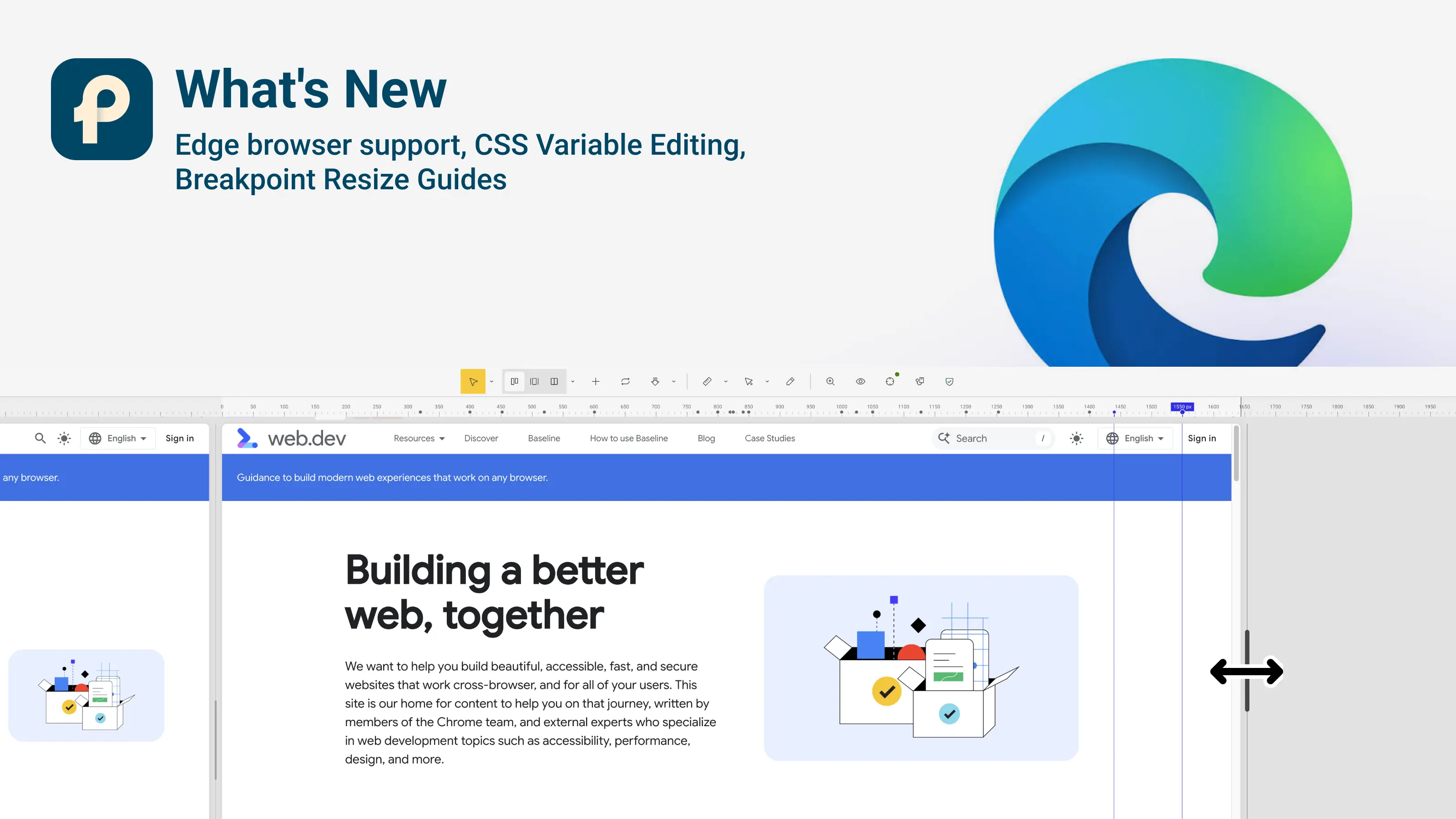
Introduction
Pixefy v1.2.19 focuses on making the extension easier to start with, easier to trust, and available to more users.
We’ve expanded Pixefy to Microsoft Edge, introduced a new Getting Started tour for first-time users, and made Projects smarter with automatic saving and clear save states.
Inspect also gets better CSS variable editing, pane resizing now shows breakpoint guides, screenshots are more reliable, and several existing tools received smaller UX and stability improvements.
🆕 What’s New
Microsoft Edge Extension
Pixefy is expanding to Microsoft Edge.
The Edge version brings the same responsive testing workflow to another major browser, joining our existing Chrome and Firefox extensions.
Getting Started Tour
Opening Pixefy for the first time should now feel much easier.
New users get a short guided walkthrough covering the core workflow:
Preview your website at different screen sizes
Discover Inspect and Content Edit
Take screenshots
Find your work in Activity
Save your workspace as a Project
Continue learning through Tutorials
The tour is designed to introduce the essentials without forcing you through every Pixefy feature at once.
Automatic Project Saving
No more wondering whether your latest changes have been saved.
Projects now save changes automatically in the background, while the toolbar clearly communicates the current state:
Saving changes...
All changes saved
Couldn't save
View only
If saving fails, you can retry without losing your latest unsaved changes.
Pixefy will also remind you when you're working outside a Project, where changes only last for the current browser session.
CSS Variable Editing in Inspect
Inspect now makes working with CSS custom properties and design tokens easier.
You can edit CSS variables with source-aware suggestions, while refined value inputs make CSS editing faster and more predictable.
Breakpoint Resize Guides
Resizing panes now gives you more context about your responsive layout.
Breakpoint guides appear while dragging, helping you see where your design moves between different responsive ranges.
We’ve also restored pane headers in Split View for easier control.
🔄 Improvements
Pane Presets
Pane presets are back with improved Project integration.
You can create your own presets and see the panes stored inside Project presets, making reusable responsive setups easier to manage.
Image Overlays
Image overlays from pane headers are now available to Free users as well.
Screenshot Notifications
After taking a screenshot, Pixefy now clearly shows where it was saved.
The notification also provides quick actions to copy or download the screenshot.
Copy to Clipboard
Copying CSS, colors, screenshots, and exported context is now more reliable across different websites.
Ruler
We refined Ruler interactions and updated its menus to better match the current Pixefy interface.
Inspect Tooltips
Inspect hover tooltips are now cleaner and more compact, with better handling of longer values.
🛠 Fixes
Full-Page Screenshots
Fixed an issue where stitched full-page screenshots could contain blank or transparent sections.
Authentication & Sessions
Improved sign-in, sign-out, session handling, and automatic logout behavior for a more reliable account experience.
Activity & Editing
Fixed several issues affecting the Activity panel and cross-pane content editing.
Measurements & Layout Guides
Fixed issues with the Measurements widget and layout guides for more consistent behavior across different views.
General Stability
Several smaller UI, state management, and stability issues were fixed throughout the extension.
Summary
New
Microsoft Edge extension
Getting Started tour
Automatic Project saving and save states
CSS variable editing in Inspect
Breakpoint resize guides
Improved
Pane presets
Image Overlay availability
Screenshot notifications
Copy to clipboard
Ruler
Inspect tooltips
Split View pane controls
Fixed
Full-page screenshot stitching
Sign-in and session issues
Activity panel issues
Cross-pane content editing
Measurements
Layout guides
Various UI and stability issues
Did you like this update? Share it with others!


or


Available in the

Available in the