New Firefox Build, Activity Tab Upgrades & Tons of Fixes

v.0.9.9
๐Ÿ†• New Features

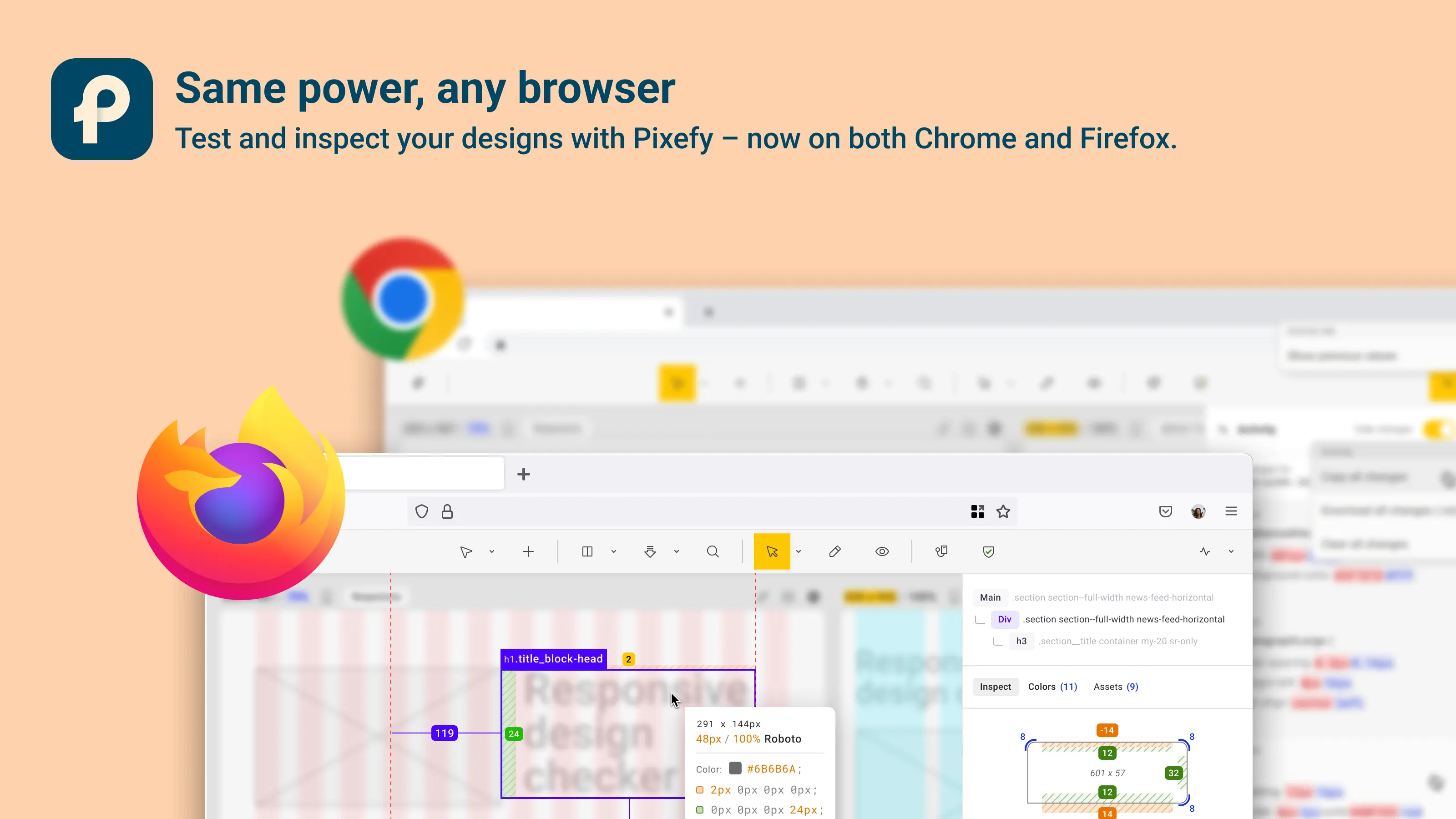
Firefox Build โ€“ Pixefy is now available for Firefox users!

Activity Tab:

  • Edit content, images, and screenshots directly in the Activity tab

  • Improved Show/Hide changes functionality

  • Content edit changes can now be hidden from Activity

  • Fixed dropdown not closing while navigating

  • "Delete all" now fully removes screenshots from all pages

๐ŸŽจ UI/UX Improvements

  • Toolbar โ€“ UI refinements and bug fixes after rearranging tools

  • Grids โ€“ Better grid behavior and UI fixes

  • Colors UI โ€“ Refined display and updates to color contrast interface

  • Inspect Tool โ€“ Visual UI fixes + consistent property display

  • Toolbar UX โ€“ Smoother transitions and layout

  • Split-Screen & Pane View โ€“ Improved accuracy in Activity tab display

๐Ÿ›  Bug Fixes

  • Fixed issue where Activity Tab didnโ€™t load after editing h3 on Bigbank site

  • Resolved full-page screenshot bugs on w3schools (including scrollbar hiding)

  • Fixed X-Ray mode not working on some websites

  • View modes now work properly with Inspect tool

  • Screen view sync issues resolved

  • Grid dropdown no longer resets settings when re-selecting active option

  • Sidebars now hide properly during screenshots

  • Toolbar no longer freezes after rearrangement

  • Fixed content jumping in Inspect tool after display settings change

  • Rearrangement modal now closes only when expected

  • Resizing panes no longer selects unwanted text

  • Inspect tool now correctly displays values

  • Scrollbar corner rounding restored

  • Fixed broken Rearrange/Stack Screens behavior

  • Skipping elements with display: none now works during sync

  • Grid mode no longer forces Navigate tool to be visually active

  • Migration from localStorage to sync storage (preparing for cloud sync)

Did you like this update? Share it with others!

or

Updates

Ohter updates

Weโ€™re constantly improving Pixefy. Check out the latest features and updates weโ€™ve added

See more in our

v.1.0.10

New

Improvement

Fix

Export review tasks, add comments to changes, filter color issues, and inspect elements in bulk โ€” plus improvements across device simulation and SEO checks.

Mar 23, 2026

v.1.0.8

New

Improvement

Pixefy now includes an SEO Overview panel and Selection Sync, making it easier to review page structure and inspect elements across multiple panes.

Mar 9, 2026

v.1.0.6

New

Improvement

Fix

Pixefy v1.0.6 introduces Dark Mode, Touch Simulation (beta), performance improvements, and smoother pane resizing and syncing.

Mar 4, 2026

Updates

Ohter updates

Weโ€™re constantly improving Pixefy. Check out the latest features and updates weโ€™ve added

See more in our

v.1.0.10

New

Improvement

Fix

Export review tasks, add comments to changes, filter color issues, and inspect elements in bulk โ€” plus improvements across device simulation and SEO checks.

Mar 23, 2026

v.1.0.8

New

Improvement

Pixefy now includes an SEO Overview panel and Selection Sync, making it easier to review page structure and inspect elements across multiple panes.

Mar 9, 2026

v.1.0.6

New

Improvement

Fix

Pixefy v1.0.6 introduces Dark Mode, Touch Simulation (beta), performance improvements, and smoother pane resizing and syncing.

Mar 4, 2026

Updates

Ohter updates

Weโ€™re constantly improving Pixefy. Check out the latest features and updates weโ€™ve added

See more in our

Pixefy on the Chrome Web Store

Available in the

Pixefy on Firefox Add-ons

Available in the

Pixefy  - Review websites across every screen | Product Hunt