Breakpoint Diff Tool, New Zoom System & Smarter Pane Handling
v.1.2.3
Introduction
This update is one of the biggest workflow-focused releases we’ve shipped so far.
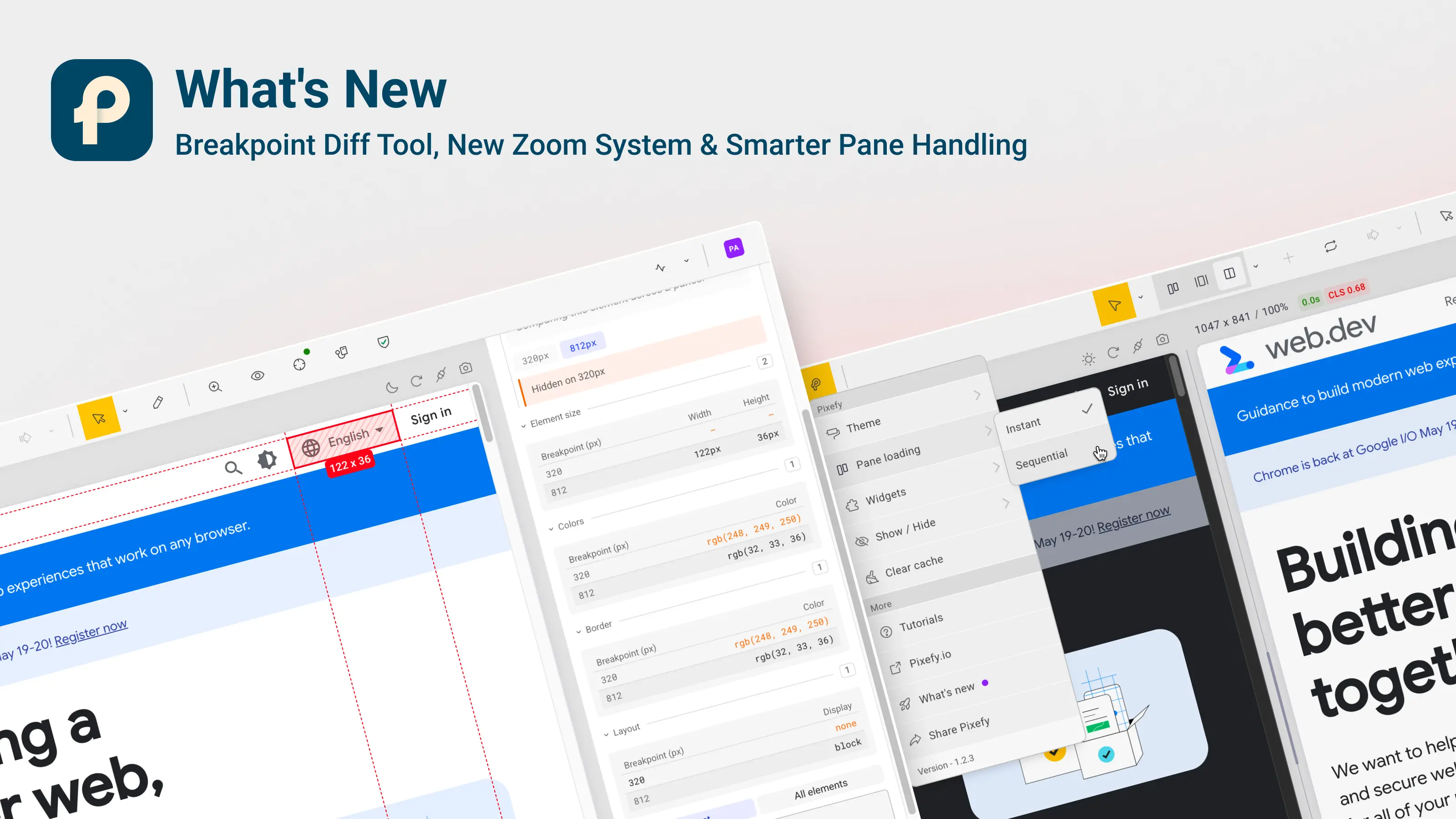
The main highlight is the new Breakpoint Diff Tool — a feature built to help you instantly understand what changes between responsive breakpoints without manually comparing styles pane by pane.
We also redesigned the zoom system from the ground up, improved pane loading and management, refined screenshots and annotations, and fixed a lot of annoying edge cases around resizing, split views, and iframe behavior.
A lot of this release came directly from feedback and real-world testing workflows.
✨ New Features
Breakpoint Diff Tool (Major)
Compare CSS values across all panes side-by-side for any selected element.
Instead of manually jumping between breakpoints, Pixefy now shows which properties change and where they differ.
Includes:
Layout, typography, spacing, colors, borders, visibility, and display comparison
Visual indicators for overridden properties
Difference count badges
Live updates when CSS changes
Smarter element matching across panes
Redesigned Zoom System
Zooming is now much smoother and more flexible.
New additions:
Zoom slider
Custom zoom input
Global zoom controls
Better separation between UI zoom and responsive content scaling
This makes responsive testing more predictable and accurate.
Pane Management Improvements
Managing lots of panes should now feel cleaner and more stable.
New:
Sequential pane loading for better performance
Better free-tier upgrade messaging
Toast notifications when panes are added
Dynamic Theme Toggle
Switch between light and dark themes directly from the View menu.
Screenshot & Annotation Improvements
Annotations now render more accurately with improved text wrapping and positioning.
🐛 Fixes & Stability
This update also fixes a large number of issues related to:
Inspect mode getting stuck
Mockup resizing behavior
Incorrect iframe height calculations
Screenshot artifacts
Hidden pane zoom behavior
Single-pane overflow issues
Annotation interaction bugs
Error monitor noise filtering
Menu behavior inconsistencies
Performance metric accuracy
⚡ Performance Improvements
We also spent a lot of time improving overall responsiveness and rendering performance.
Highlights:
Smarter scrollbar detection during resize
Reduced unnecessary layout recalculations
Deferred rendering for heavy comparison views
Better event handling during interactions
Did you like this update? Share it with others!


or


Available in the

Available in the