Contrast Ratio, Smarter Styling & Fixes

v.0.9.4
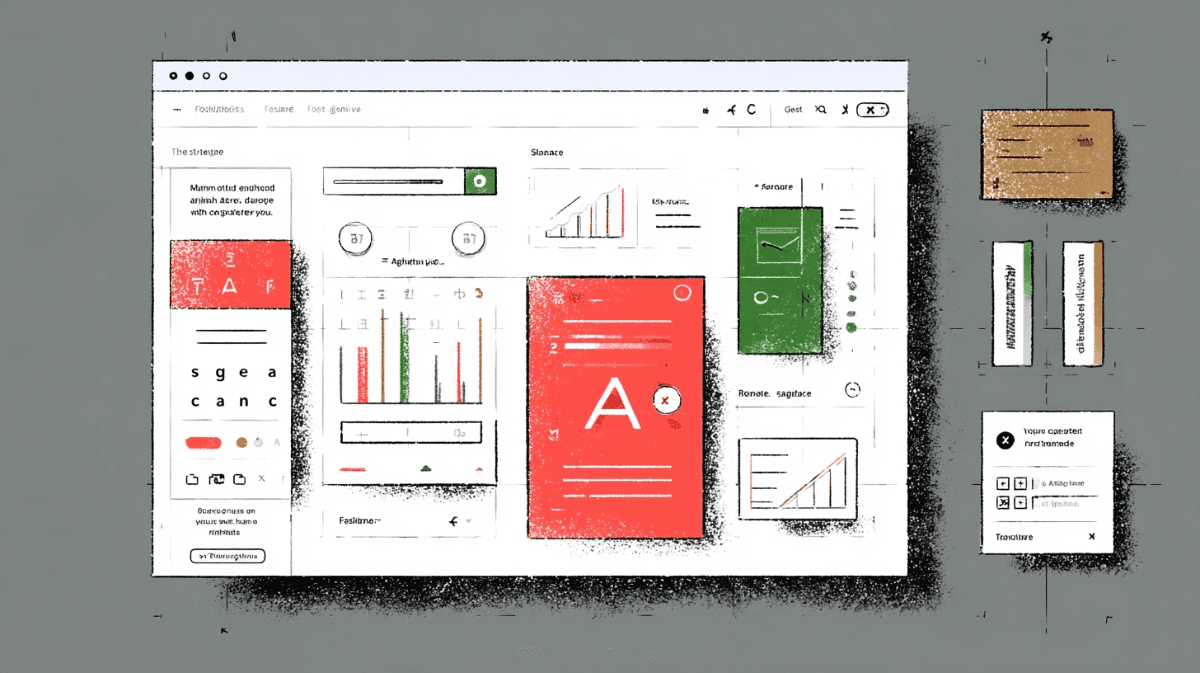
This update brings smarter styling suggestions, UI improvements, and the ability to see contrast ratio for any selected element.

New Feature:

  • Contrast Ratio Display – Now you’ll see the contrast ratio on every selected element, helping you stay accessible and compliant.

Improvements:

  • Improved how updated values are displayed in the UI.

  • Increased size of aside components for better readability.

  • When typing in the element style panel, the first matching suggestion is now highlighted for quicker selection with Enter.

Bug Fixes:

  • Fixed issue where HTML elements appeared after clicking on the body.

  • Corrected incorrect value display after editing in Inspect.

  • Values now update properly even without adding "px".

  • Flex properties no longer show override if no change is made.

  • Custom values added to the element style panel now persist after refresh or re-selection.

  • Fixed Activity tab issue where editing (e.g., letter-spacing) broke the pane until closed.

Update now to enjoy better styling control, visual clarity, and accessibility insights. #Pixefy, #DevTools, #WebDesign, #Frontend, #Accessibility.

Did you like this update? Share it with others!

or

Updates

Ohter updates

We’re constantly improving Pixefy. Check out the latest features and updates we’ve added

See more in our

v.1.0.10

New

Improvement

Fix

Export review tasks, add comments to changes, filter color issues, and inspect elements in bulk — plus improvements across device simulation and SEO checks.

Mar 23, 2026

v.1.0.8

New

Improvement

Pixefy now includes an SEO Overview panel and Selection Sync, making it easier to review page structure and inspect elements across multiple panes.

Mar 9, 2026

v.1.0.6

New

Improvement

Fix

Pixefy v1.0.6 introduces Dark Mode, Touch Simulation (beta), performance improvements, and smoother pane resizing and syncing.

Mar 4, 2026

Updates

Ohter updates

We’re constantly improving Pixefy. Check out the latest features and updates we’ve added

See more in our

v.1.0.10

New

Improvement

Fix

Export review tasks, add comments to changes, filter color issues, and inspect elements in bulk — plus improvements across device simulation and SEO checks.

Mar 23, 2026

v.1.0.8

New

Improvement

Pixefy now includes an SEO Overview panel and Selection Sync, making it easier to review page structure and inspect elements across multiple panes.

Mar 9, 2026

v.1.0.6

New

Improvement

Fix

Pixefy v1.0.6 introduces Dark Mode, Touch Simulation (beta), performance improvements, and smoother pane resizing and syncing.

Mar 4, 2026

Updates

Ohter updates

We’re constantly improving Pixefy. Check out the latest features and updates we’ve added

See more in our

Pixefy on the Chrome Web Store

Available in the

Pixefy on Firefox Add-ons

Available in the

Pixefy  - Review websites across every screen | Product Hunt